
Node-RED
Browser-based visual programming tool for wiring together devices, APIs, and services with a drag-and-drop flow editor. Built on Node.js, runs on anything from a Raspberry Pi to cloud servers.
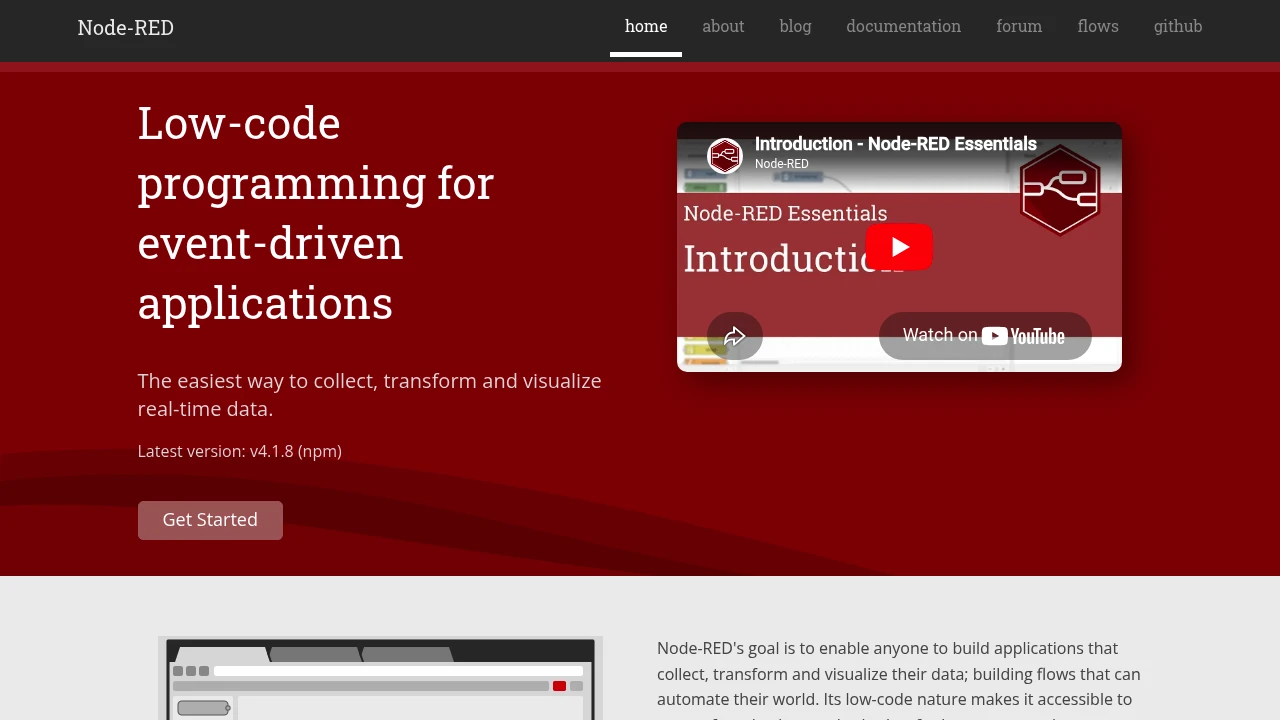
Most factory data problems start the same way: a PLC speaks Modbus, a sensor publishes MQTT, a database expects HTTP POST, and somebody has to write the glue code. Node-RED replaces that glue code with a visual editor where you drag nodes onto a canvas, draw wires between them, and deploy. It was created at IBM in 2013 by Nick O'Leary and Dave Conway-Jones, open-sourced under Apache 2.0, and is now governed by the OpenJS Foundation.
The project has over 5,600 community-contributed nodes covering everything from S7 communication with Siemens PLCs to OPC-UA servers, Modbus RTU/TCP, database connectors, and cloud platform integrations. A 2023 community survey found 31.5% of respondents use Node-RED in manufacturing, and 24% have built PLC applications with it.
Key features
- Browser-based flow editor with drag-and-drop wiring, debug sidebar, and one-click deploy. No IDE installation required.
- 5,600+ community nodes in the official library, covering industrial protocols (OPC-UA, Modbus, S7, BACnet, MQTT, EtherNet/IP), databases, cloud services, and hardware interfaces.
- Runs anywhere from a Raspberry Pi Zero ($15) to Docker containers, Kubernetes clusters, and managed cloud instances. Typical memory footprint is 50-100 MB.
- Built-in MQTT support with native nodes for publish, subscribe, and broker connection. MQTT is the most-used protocol in Node-RED deployments.
- Subflow reuse lets you package a group of nodes as a reusable component, which helps manage complexity in larger deployments.
- Dashboard nodes (node-red-dashboard) provide basic HMI/visualization directly in the browser, useful for quick operator panels without needing Grafana or similar.
- Function nodes allow inline JavaScript for cases where visual wiring isn't enough. You get the full Node.js runtime.
What Node-RED does
Node-RED sits between your data sources (PLCs, sensors, APIs) and your data destinations (databases, dashboards, cloud platforms, ERPs). You build "flows" by placing nodes on a canvas and connecting their inputs and outputs. Each node performs one operation: read a Modbus register, parse JSON, filter by threshold, write to InfluxDB.
The runtime is a Node.js application that executes these flows server-side. Flows are stored as JSON files, which makes them easy to export, version, and share, though the visual editor doesn't have native Git integration (more on that in Limitations).
In a typical MING stack deployment (Mosquitto + InfluxDB + Node-RED + Grafana), Node-RED handles the middle layer: subscribing to MQTT topics from Mosquitto, transforming and enriching the messages, and writing structured data to InfluxDB. Grafana then queries InfluxDB for dashboards. This pattern can be running in an afternoon on a single Raspberry Pi.
For larger installations, Node-RED scales horizontally. One large US manufacturer reportedly runs thousands of Node-RED instances across its facilities for IoT orchestration. FlowFuse (founded in 2021 by Node-RED's creator) offers enterprise management features for multi-instance deployments, including team collaboration, DevOps pipelines, and audit logging.
Why choose Node-RED
Zero licensing cost and no vendor lock-in. Apache 2.0 license, governed by the OpenJS Foundation. Your flows are portable JSON. If you stop using Node-RED, the data format is open.
Fastest path from "I have a sensor" to "I see data in a database." The MING stack with Node-RED is a weekend project. Most industrial integration platforms require weeks of configuration or professional services.
The ecosystem solved most problems already. With 5,600+ nodes, chances are someone already built a connector for your PLC brand, your database, or your cloud platform. Siemens S7, Allen-Bradley (via EtherNet/IP), Beckhoff ADS, Mitsubishi MELSEC all have community nodes.
Hardware vendors ship it pre-installed. Several IoT gateway manufacturers (Advantech, Hilscher, Wago, Revolution Pi) include Node-RED on their devices. This is unusual for open-source tools and signals broad industry acceptance.
Getting started
Install via npm (npm install -g node-red), Docker (nodered/node-red), or Snap. On a Raspberry Pi, it's a one-line install script. The editor opens at http://localhost:1880.
Learning curve depends on your background. If you've used any visual programming tool (LabVIEW, Scratch, Simulink), the canvas metaphor is immediate. Controls engineers tend to pick it up faster than traditional developers. The official documentation includes detailed tutorials, and the Node-RED forum (discourse.nodered.org) is active, with questions typically getting responses within hours.
For a first manufacturing project, start with the MING stack: install Mosquitto and Node-RED on a Pi, connect one sensor via MQTT, write to InfluxDB, visualize in Grafana. Total hardware cost under $100. If the concept proves out, scale to a proper edge gateway or Docker deployment.
Technical specs
- Language: JavaScript (Node.js runtime, requires Node.js 18+)
- Architecture: Single-threaded event loop (Node.js), with optional clustering for high-throughput scenarios
- Storage: Flows stored as JSON files (default) or in databases via pluggable storage API
- API: Admin HTTP API for programmatic flow management, WebSocket for editor communication
- Auth: Built-in user authentication with configurable strategies (local, LDAP, OAuth)
- Protocols supported: MQTT 3.1.1/5.0, OPC-UA, Modbus TCP/RTU, HTTP/HTTPS, WebSocket, TCP/UDP, S7 (Siemens), BACnet, EtherNet/IP, serial
- Min hardware: Raspberry Pi Zero W (512 MB RAM) for simple flows; 1-2 GB RAM recommended for production
Limitations
-
Version control is the biggest production blocker. Flows are stored as monolithic JSON files that don't diff or merge cleanly in Git. The 2025 community survey found 40% of production users cite this as their top issue. FlowFuse and third-party tools offer workarounds, but there's no native solution in the open-source editor yet.
-
Single-threaded by design. Node-RED inherits Node.js's single-threaded event loop. CPU-intensive operations (heavy data transformation, image processing) can block the entire runtime. For high-throughput scenarios, you need to offload processing to external services or run multiple Node-RED instances.
-
Community node quality varies. The 5,600+ node library is a strength, but node quality and maintenance are inconsistent. Some industrial protocol nodes are abandoned or poorly documented. Always check last commit date and issue count before depending on a community node in production.
-
"Hobby tool" perception persists. The 2025 survey found 11% of production users struggle with organizational buy-in because decision-makers view Node-RED as a prototyping tool, not production software. The OpenJS Foundation governance and FlowFuse enterprise offering are working to change this, but it's a real barrier in some organizations.
-
No built-in historian or data storage. Node-RED processes and routes data but doesn't store it. You need a separate time-series database (InfluxDB, TimescaleDB, QuestDB) for historical data. This is by design, but it means Node-RED is always part of a stack, never a standalone solution.
Integrates with


Complements
 n8nNode-RED
Node-RED handles hardware-close event routing and protocol translation at the edge; n8n handles downstream business logic, scheduling, AI enrichment, and multi-system orchestration. Paired via MQTT.
 GrafanaNode-RED
Grafana handles dashboards and alerting while Node-RED handles data flow orchestration and protocol bridging. Together they form the middle layers of the MING stack, with Node-RED collecting and routing data into databases that Grafana queries for visualization.
Similar to Node-RED


