
Mosquitto
Lightweight message broker implementing MQTT 5.0, 3.1.1, and 3.1. Written in C with a ~200KB memory footprint, Mosquitto runs on everything from Raspberry Pis to full servers and is the default MQTT broker in most IIoT starter stacks.
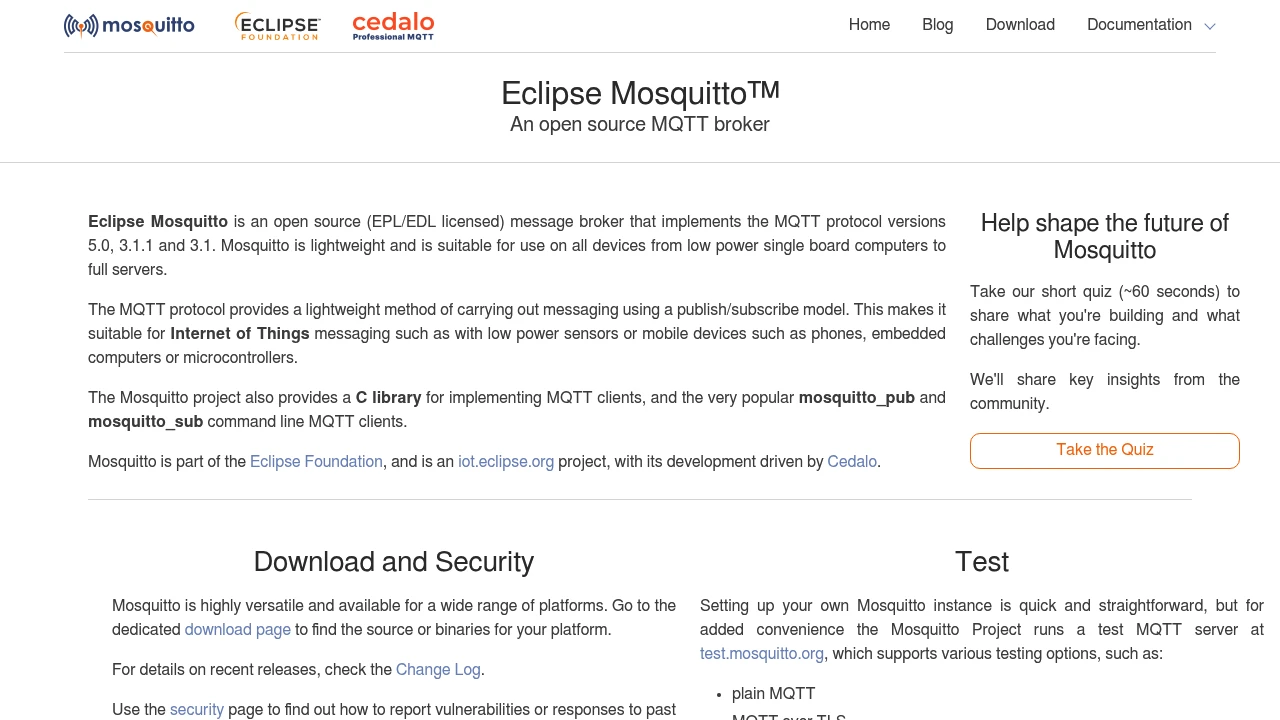
Most factory IoT projects start the same way: someone needs to get sensor data from point A to point B without losing messages. Mosquitto does that one job and does it well. It has been the default open-source MQTT broker since Roger Light first released it in 2009, and after joining the Eclipse Foundation in 2013 it became the reference implementation that other brokers benchmark against.
Key features
- MQTT 5.0 support with shared subscriptions, topic aliases, user properties, and enhanced authentication
- Tiny footprint of roughly 200KB RAM at idle, making it practical for edge gateways and single-board computers like the Raspberry Pi
- Bridge mode connects multiple Mosquitto instances or links to cloud brokers, letting you keep local traffic local while forwarding selected topics upstream
- TLS/SSL and certificate-based auth for encrypted connections between devices and the broker
- Persistent sessions and retained messages so devices that reconnect after a network drop pick up where they left off
- WebSocket support for browser-based MQTT clients and dashboards
- Plugin API (v2.0+) for custom authentication, access control, and message handling
What Mosquitto does
Mosquitto is a publish-subscribe message broker. Devices publish messages to topics (like factory/line-3/temp), and any client subscribed to that topic receives the message. The broker handles routing, QoS levels (0, 1, 2), and session state.
The architecture is deliberately simple: a single-threaded event loop written in C. This keeps latency predictable and resource usage minimal, but it also means Mosquitto tops out at roughly 10,000-20,000 concurrent connections on typical hardware. For a single factory site with hundreds or even a few thousand sensors, that is more than enough.
Mosquitto ships with two command-line utilities, mosquitto_pub and mosquitto_sub, that are genuinely useful for debugging. You can subscribe to a topic from a terminal and watch messages arrive in real time, which makes troubleshooting a production line far easier than digging through log files.
Since version 2.0 (released December 2020), Mosquitto requires explicit authentication by default. Earlier versions allowed anonymous access out of the box, which caused security issues in deployments where nobody changed the defaults.
Why choose Mosquitto
It runs anywhere. The official Docker image is 12MB. The binary compiles on Linux, Windows, macOS, and FreeBSD. If your edge gateway has a C compiler, it probably runs Mosquitto.
Zero licensing cost, permanently. Dual-licensed under EPL-2.0 and EDL-1.0 (Eclipse Distribution License, a BSD-style license). No open-core upsell from the project itself, though Cedalo offers a commercial "Pro Mosquitto" edition with clustering and a management UI.
The MING stack starts here. Mosquitto is the M in the MING stack (Mosquitto + InfluxDB + Node-RED + Grafana), the most common open-source IIoT monitoring setup. If you are following a tutorial or guide for factory IoT, it almost certainly assumes Mosquitto.
Eclipse Foundation backing. Not a VC-funded startup that might pivot or fold. The Eclipse Foundation has maintained IoT projects for over a decade, and Mosquitto's 190 contributors keep the codebase active (last commit: March 2026).
Getting started
Install via your package manager (apt install mosquitto on Debian/Ubuntu, brew install mosquitto on macOS) or pull the Docker image (eclipse-mosquitto:2). A working broker is running in under a minute.
The learning curve is shallow if you just need pub/sub. Configure a password file, open port 1883, and you have a production-ready broker for a small deployment. TLS and bridging take more effort but are well documented.
For manufacturing use, pair Mosquitto with Telegraf or Node-RED to move MQTT messages into a time-series database like InfluxDB. The United Manufacturing Hub bundles Mosquitto as its internal broker, so if you want a pre-packaged Unified Namespace setup, UMH handles the configuration for you.
Technical specs
- Language: C (C99)
- Protocols: MQTT 3.1, 3.1.1, 5.0 over TCP and WebSockets
- OS support: Linux, Windows, macOS, FreeBSD, Raspberry Pi OS
- Default ports: 1883 (MQTT), 8883 (MQTT over TLS), 8080/8081 (WebSockets)
- Config format: Single
mosquitto.conftext file - Plugin system: C API for auth, ACL, and message callbacks (v2.0+)
- Persistence: File-based message store for retained messages and QoS 1/2 in-flight messages
Limitations
-
Single-threaded architecture. Mosquitto uses one thread for all message routing. On modern hardware this handles tens of thousands of connections, but if you need hundreds of thousands or millions, you will hit a ceiling. EMQX and HiveMQ are designed for that scale.
-
No native clustering or high availability. A single Mosquitto instance is a single point of failure. Bridge mode connects brokers but does not provide automatic failover. For production HA you need an external solution (keepalived, container orchestration health checks) or the commercial Pro edition from Cedalo.
-
No built-in management UI. Configuration is done through text files and command-line tools. There is no web dashboard for monitoring connections, inspecting topics, or managing access control. Third-party tools like MQTT Explorer or Cedalo's Management Center fill this gap.
-
No built-in rule engine. Unlike EMQX, Mosquitto cannot filter, transform, or route messages based on content. You need an external tool like Node-RED or Telegraf for any processing logic.
-
Limited authentication backends. Out of the box, Mosquitto supports password files and a plugin API. Connecting to LDAP, OAuth, or a database for auth requires writing or finding a plugin.
Integrates with
Mosquitto InfluxDB
Mosquitto publishes MQTT messages that Telegraf (InfluxData's collection agent, part of the InfluxDB ecosystem) subscribes to and writes into InfluxDB. Telegraf acts as the bridge — it's a standalone agent from InfluxData that collects metrics from 300+ sources, including MQTT brokers, and writes them to InfluxDB. This Mosquitto → Telegraf → InfluxDB pipeline is the data ingestion path in the MING stack.
 Node-REDMosquitto
Node-RED connects to MQTT brokers natively
 United Manufacturing HubMosquitto
UMH uses Mosquitto as its internal MQTT broker for the Unified Namespace
More from Eclipse Foundation

Similar to Mosquitto


